Spinfall – Online & Offline
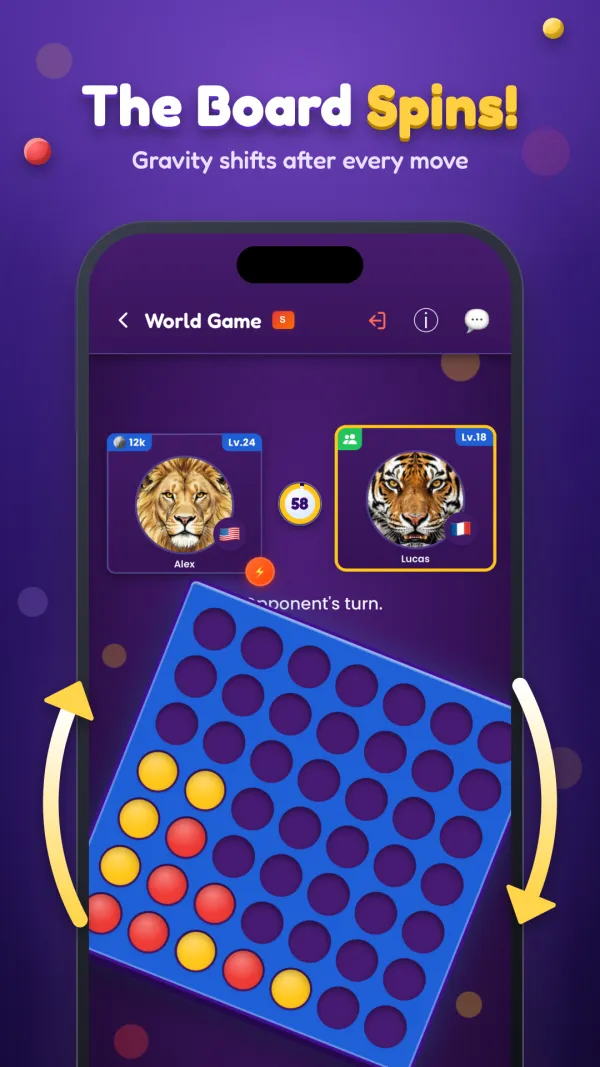
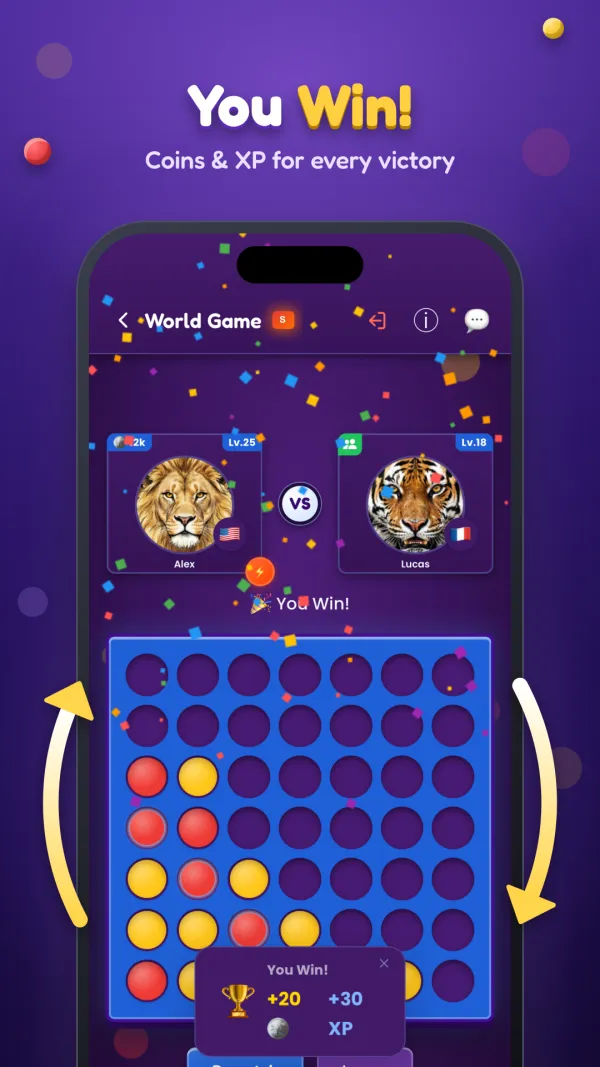
Spinfall is Four in a Row with a twist: after every move the board rotates 90° clockwise, gravity shifts, and every piece falls to its new bottom. Plan for the spin, line up four in a row, column or diagonal, and win, online and offline!
See It in Action
Swipe to see more
Play anytime, anywhere
- 🌍 Online Multiplayer: Match with real players worldwide or invite your friends for private games with a room name.
- 👥 Offline 2-Player Mode: Enjoy a face-to-face match on the same device.
- 🤖 Offline vs Bot: Practice and improve your skills against our AI with three difficulty levels — Easy, Medium, and Hard.
Play Puzzles
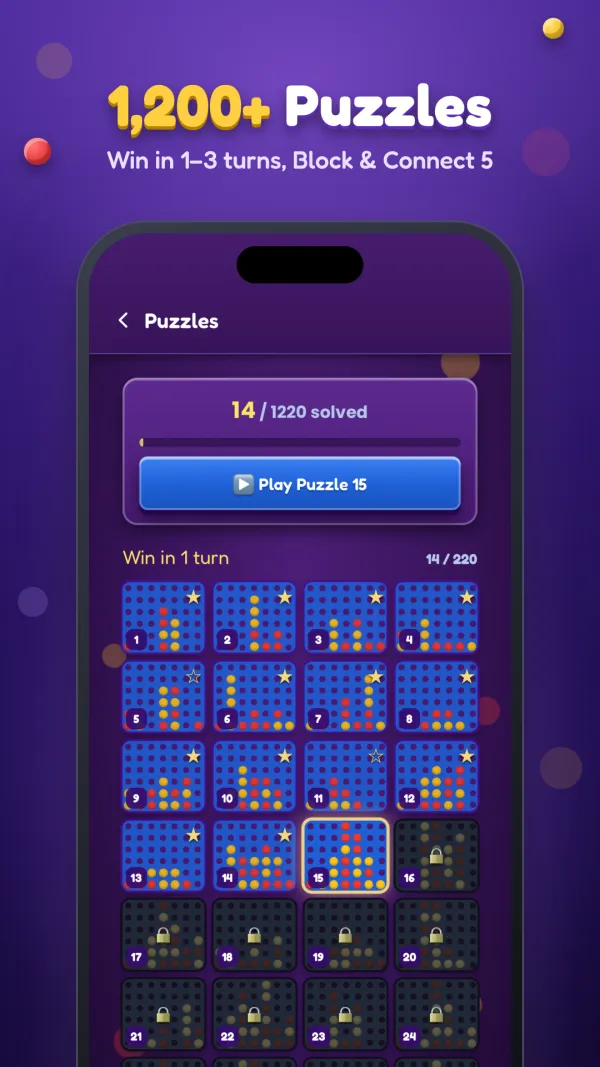
- 🧩 1,200+ puzzles: win in 1, 2 and 3 turns, block your opponent's winning move, and Connect 5 on a bigger board.
- 📈 One path from easy to hard: solve a puzzle to unlock the next one.
- 💡 Hints when you are stuck, and coins and XP for every puzzle you solve.
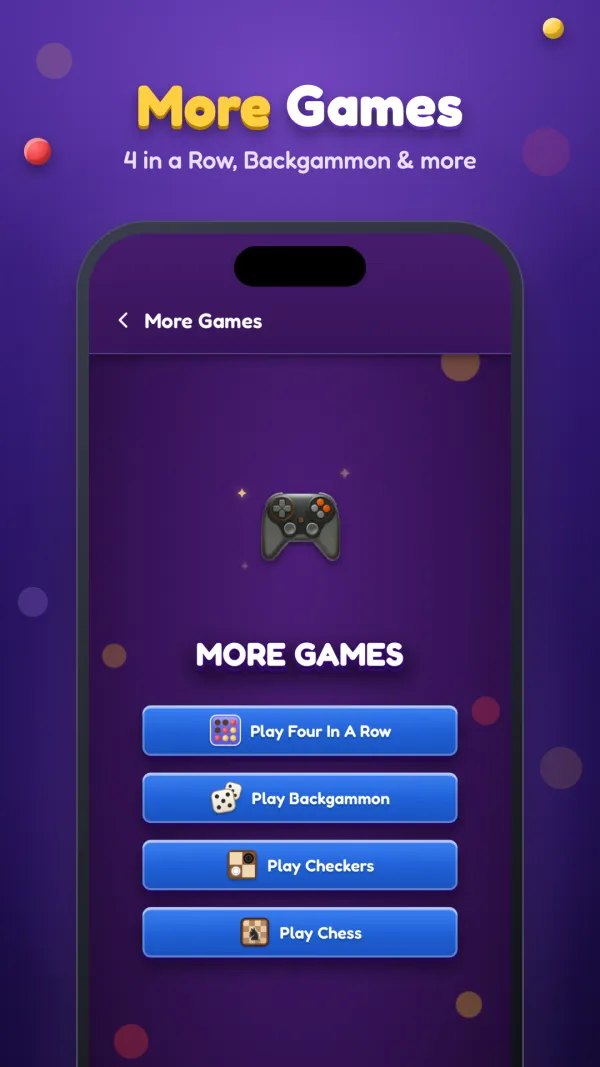
More Games
- 🔴 4 in a Row: the classic game on a board that stays still.
- 🎲 Backgammon: Standard, Mahbusa and Tawla 31.
- ⚫ Checkers and ♟️ Chess, online and offline, all in one app.
Friends
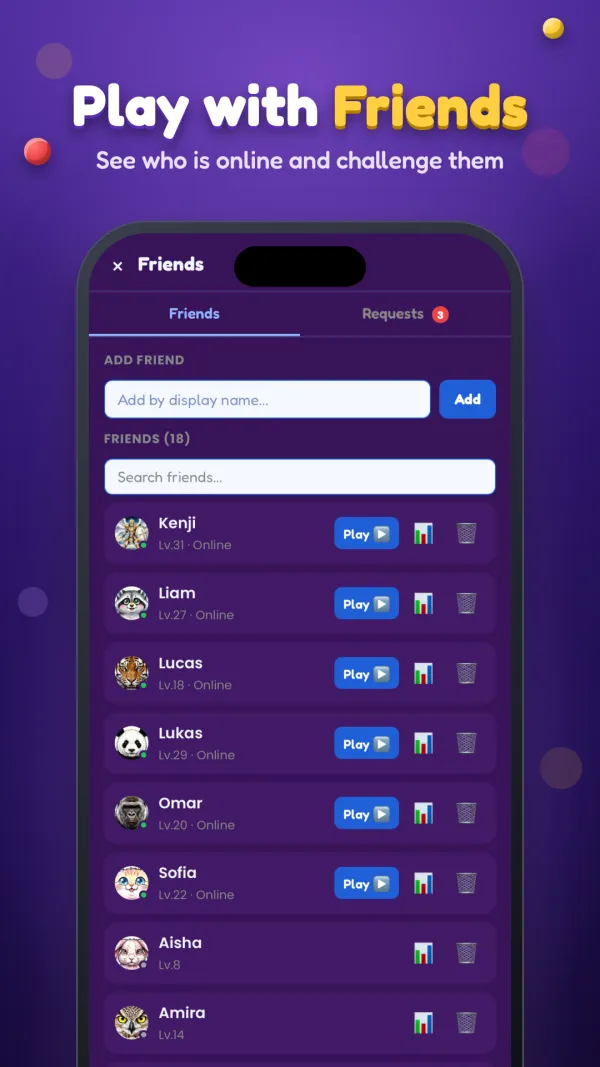
- 🤝 Add friends to see who's online and challenge them instantly.
- 💬 In-game chat to communicate with your opponent.
Compete & Achieve
- 🏆 Global Leaderboards – Climb the ranks on Google Play Games and Game Center and prove you're the ultimate strategist.
- 🎯 Achievements – Unlock rewards for win streaks, online victories, perfect games and more.
- 📊 Track your wins, losses and draws.
Level Up & Earn Rewards
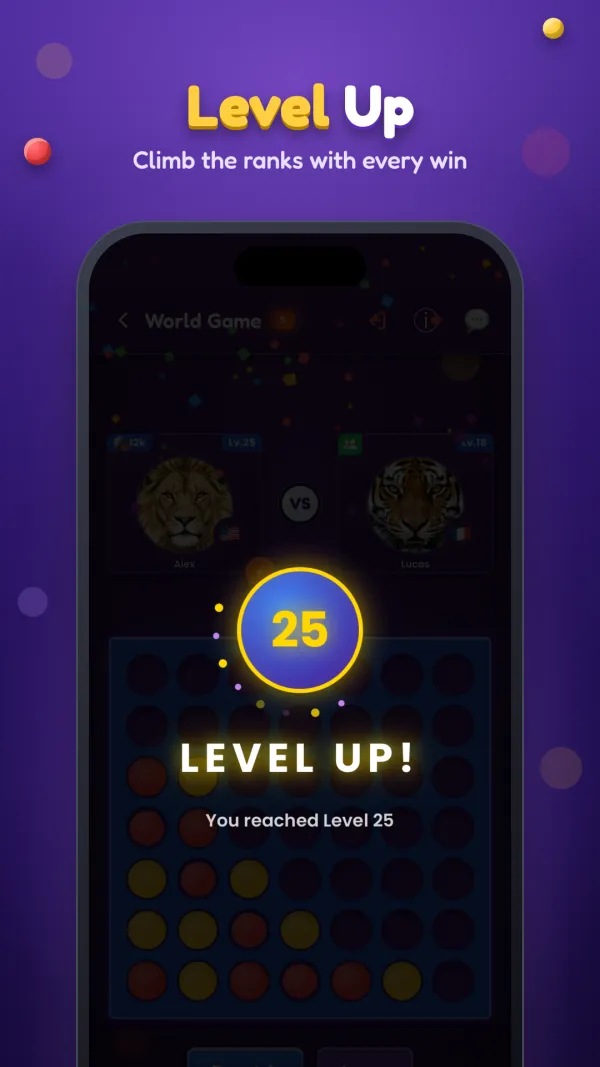
- ⭐ Earn XP by playing games and solving puzzles, and level up.
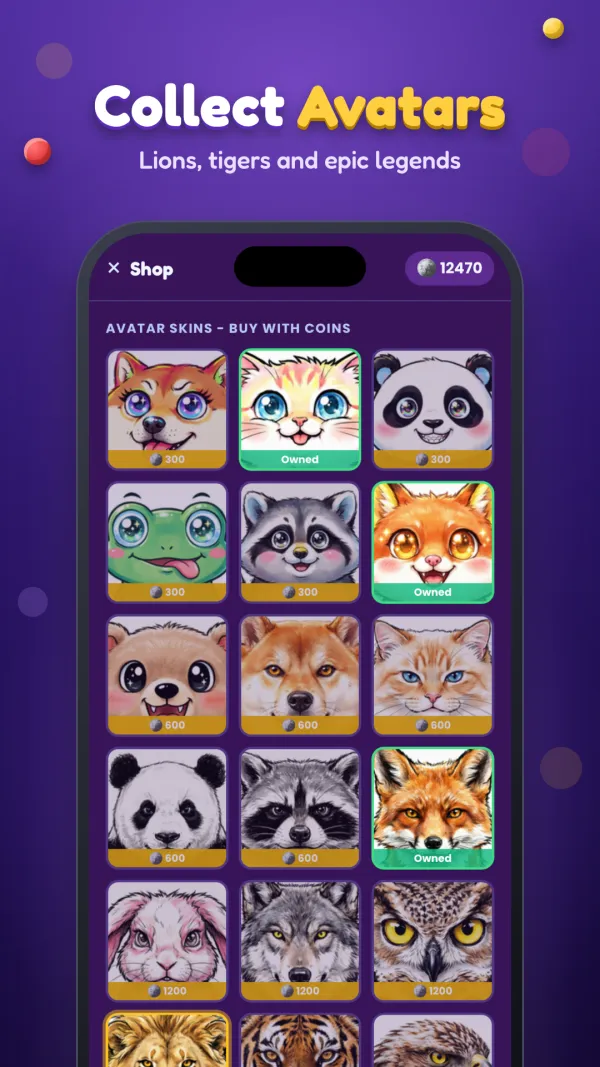
- 💰 Collect coins and unlock unique player avatars.
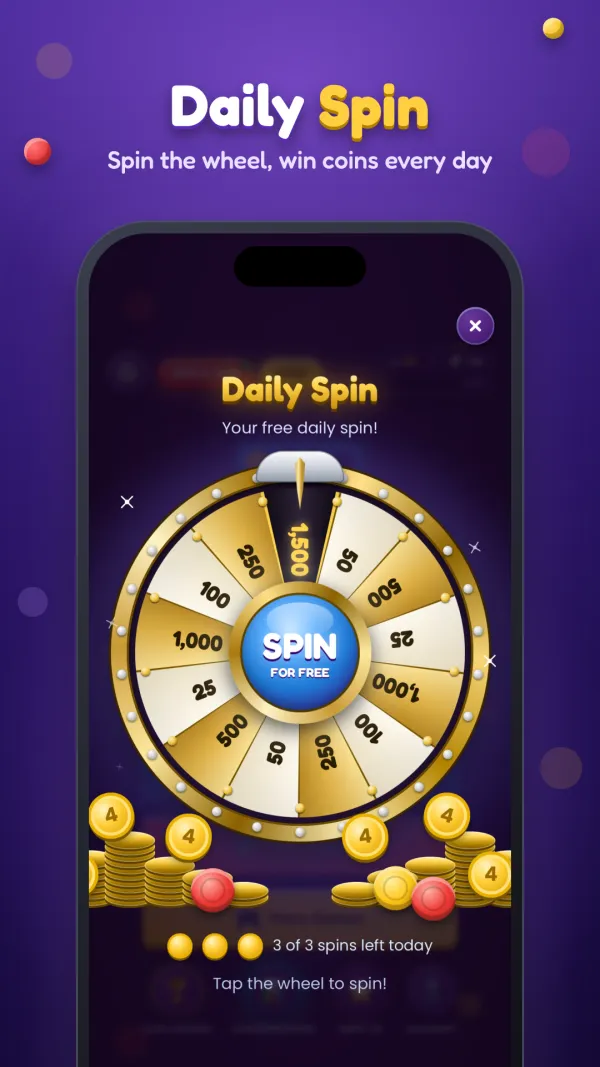
- 🎡 Daily Spin: win extra coins every day.
- 🏅 Show off your achievements as you climb the ranks.
Features
- A board that rotates 90° clockwise after every move, with gravity that pulls every piece to its new bottom.
- Real-time online matches with players around the world.
- Private games with friends and in-game chat.
- Smart AI opponents for a challenging solo game.
- Simple, smooth controls for all ages.
Whether you want a quick casual game or a competitive match, Spinfall keeps every move fresh!
Download now and start spinning!
Frequently asked questions
How does Spinfall work?
Spinfall is Four in a Row with a twist: after every move the board rotates 90° clockwise and gravity shifts, so every piece falls to its new bottom. Line up four pieces in a row, column or diagonal to win, and plan for the spin.
Does the app have puzzles?
Yes. Play Puzzles has more than 1,200 puzzles: win in 1, 2 and 3 turns, block your opponent's winning move, and Connect 5 on a bigger board. They go from easy to hard, with hints when you are stuck and coins and XP for every puzzle you solve.
What other games are in the Spinfall app?
Under More Games you can also play classic 4 in a Row, Backgammon (Standard, Mahbusa and Tawla 31), Checkers and Chess, online and offline, in the same app.
Can I play Spinfall offline?
Yes. Without internet you can play against the computer at three levels (Easy, Medium and Hard), or play a friend face to face on the same device.
How do I play Spinfall online with a friend?
Tap Play Online → Private Game and share the room name with your friend, or add them as a friend in the app to see when they are online and challenge them.
Is Spinfall available on Mac?
Yes. The App Store version of Spinfall also runs on Mac computers with Apple silicon (M1 or later): download it from the App Store on your Mac.
Do I need an account?
No account is needed to play. Signing in with Game Center (Apple) or Google Play Games saves your level, coins, statistics and friends to your account, on every device, and unlocks leaderboards and achievements.